
Redocly or Stoplight Elements..?
I am currently building a personal project, and during the initial design phase I needed one thing badly: a good way to visualise my REST APIs without squinting at raw JSON like it was matrix code.
Naturally, my first stop was Swagger UI. A few Stack Overflow rabbit holes and one Google spiral later, it was up and running. Classic developer outcome.
In 15+ years as an application developer and 7+ years as a Java engineer, Swagger UI has basically been muscle memory. It works. It just works. It is the dependable old keyboard of API docs: maybe not flashy, but always there when you need to ship.
Still, I was in the mood to try something beyond the default loadout.
At a previous organisation, a teammate used Redocly to walk through OpenBanking specs. I remember thinking, “Okay, this looks clean.” Minimal, modern, and less noisy. That is what pushed me to publish a Spring Boot starter for Redocly. If you want the implementation details, check my previous post.
Redocly worked well. But after using it for a while, I realised I needed more than a pretty rendering layer. That is when I built another Spring Boot starter project for Stoplight Elements.
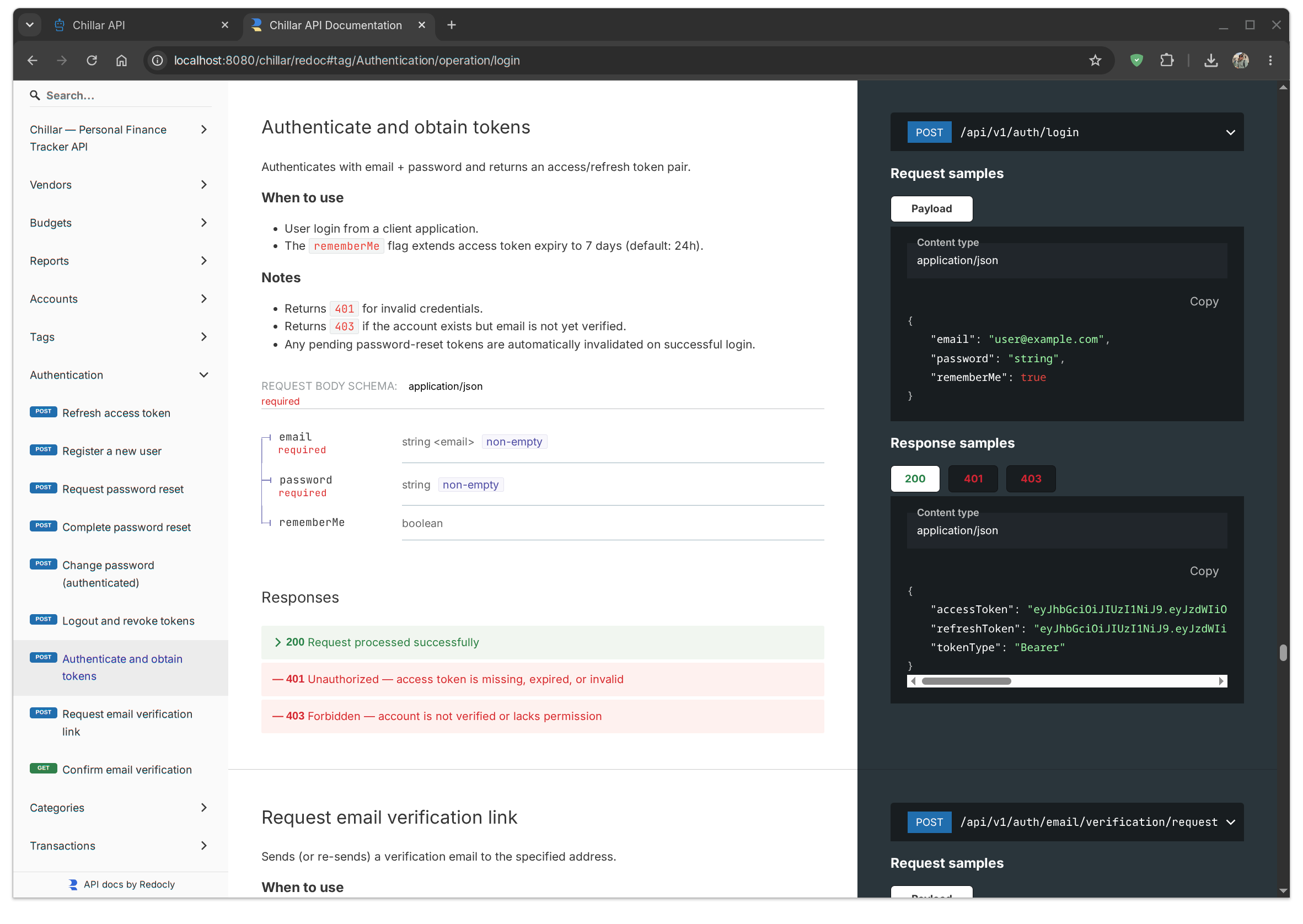
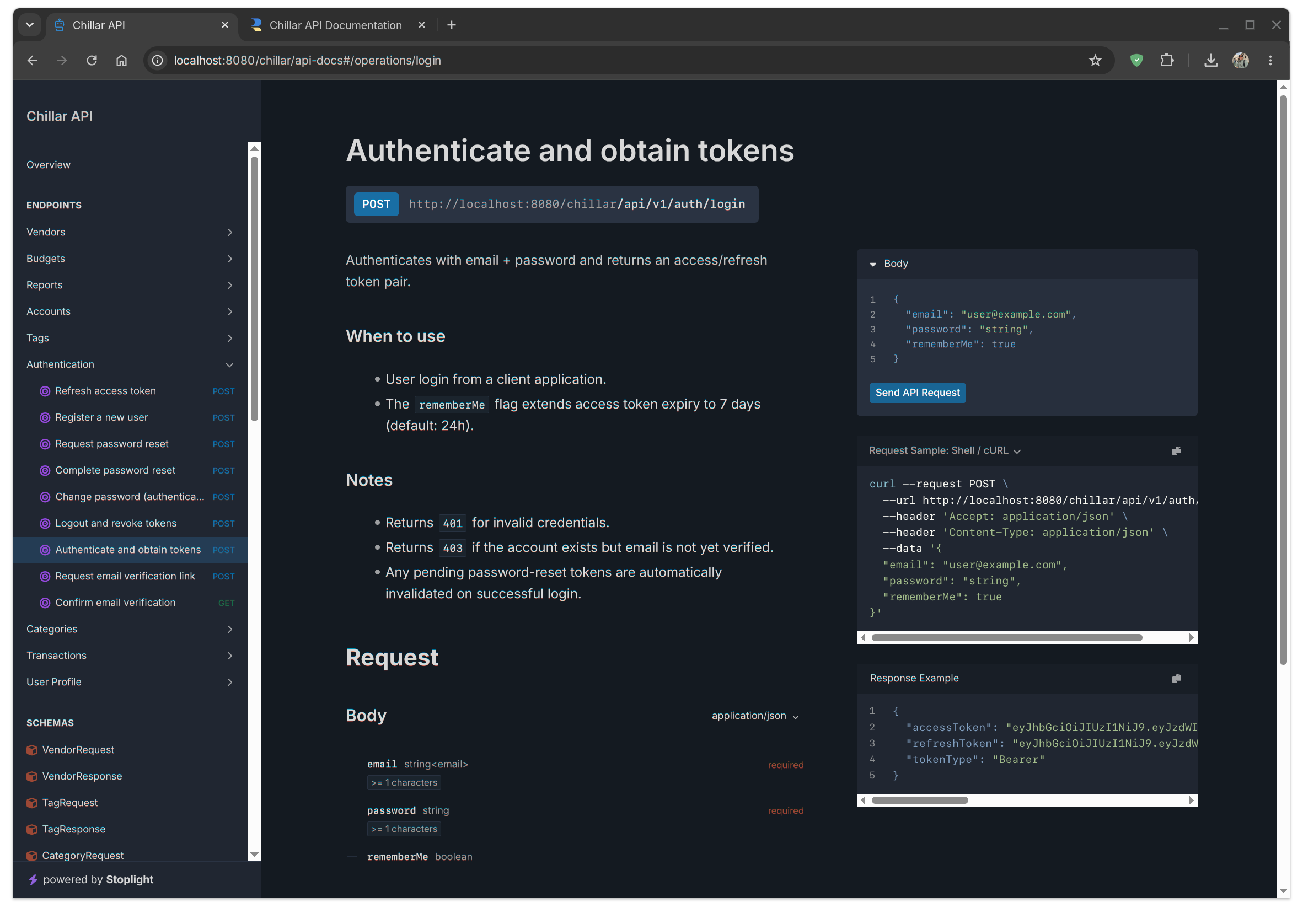
At first glance, both tools look like cousins: three-column layout, operation list on the left, details in the middle, schema/reference panel on the right. If all you need is readable docs, either one gets the job done.
But once you use them in a real Spring Boot workflow, the differences start showing up fast.
First: theme behavior. I kept defaults on both. Stoplight Elements respected my system theme automatically, while Redocly stayed in whichever mode I set. Not a deal-breaker, but auto theme switching in Stoplight felt more “it just works” and less “please configure me first.”
Second, and this was the decisive one for me: built-in try mode. Stoplight Elements gives you an interactive console inside the docs, so your API reference can moonlight as a lightweight Postman. Redocly has similar capability, but it sits behind a paid license. In Stoplight Elements, that feature is available out of the box.
So for my Spring Boot project, the verdict was simple:
- Redocly if I want elegant, clean documentation presentation.
- Stoplight Elements if I want documentation that also acts like a practical API playground.
I started this journey looking for a better UI. I ended up choosing the tool that better supports day-to-day API development.
Comments